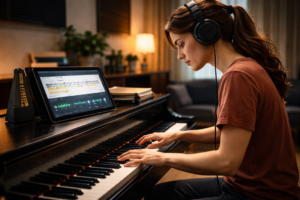
Practicing piano can feel like a lonely task. It’s like pushing a boulder up a hill, only the hill is made of Hanon exercises.
I started by playing a Casio keyboard, feeling lost. The challenge of teaching myself was real. Then, I found a secret weapon: my phone.
My metronome could now talk back to me. My sheet music became alive. I used the Faber app for structure, audiobooks for theory, and YouTube for inspiration. These digital tools didn’t replace my discipline—they became my co-pilot.
This isn’t about replacing the human touch. It’s the opposite. The right piano apps and platforms light the way, making practice engaging.
Forget the myth of the Luddite virtuoso. For the modern musician seeking real growth, using technology is the smart choice. It turns the grind into a journey you can see.
Top Piano Practice Apps
Finding the right piano app is like choosing a team for a mission. You need someone to fix your timing, someone to keep you motivated, and someone to guide you. It’s not just about downloading software; it’s about finding a digital teacher for your hands. Let’s look at the top contenders.
Each app has its own way of teaching. You might want one that focuses on data or another that makes learning fun. The table below shows how each app teaches differently.
| App Name | Core Methodology | Best For | Key Feature |
|---|---|---|---|
| Piano Marvel | Forensic MIDI analysis | The perfectionist | Granular progress reports |
| Simply Piano | Encouraging microphone tutor | Beginners needing a cheerleader | Real-time audio feedback |
| Flowkey | Visual learning & stats | Visual learners | Practice statistics dashboard |
| Modacity | Smart practice journaling | The analytical planner | Customizable analytics |
| Yousician | Gamified challenge loops | Those who hate “practice” | Real-time assessment games |
Piano Marvel is perfect for those who love details. It uses MIDI to give you precise feedback on your playing. It’s like having a detective for your fingers. Its reports are so detailed, they’re almost too much.
Simply Piano is different. It uses your microphone to offer encouragement. It’s more about trying again than about making mistakes. It’s great for beginners who need a boost.
Flowkey is a mix of both. It shows you visual guides and tracks your progress. It’s like having a teacher who also keeps an eye on your stats. You get tips without feeling judged.
Modacity is for the organized. It’s a Smart Practice Journal. You log your practice and set goals. It shows you exactly what you’re doing right and wrong.
Yousician is all about fun. It turns practice into games with instant rewards. It’s perfect for those who love to win.
So, which app is right for you? Do you need a strict teacher, a friendly guide, a visual aid, a manager, or a game designer? Your ideal practice tech tool is the one that fits your style.
Video/Audio Journaling
Forget the mirror—the real, unflinching reflection of your piano progress lives in your device’s voice memo app. This isn’t about vanity. It’s about creating a sonic paper trail, the musical equivalent of a director’s commentary on your own performance.
Our brains are fantastic editors in the moment, smoothing over stumbles and amplifying what we *think* we played. Playback is the ruthless fact-checker. That awkward pause you didn’t notice? The rhythm that drifted like a shopping cart with a bad wheel? The recording knows.
Think of it as building a time capsule you can actually learn from. The goal is systematic recording progress, not random confessionals. Here’s how to structure your sonic diary for maximum insight.
| Strategy | What to Record | When & Why | Review Focus |
|---|---|---|---|
| The Weekly Review | A full run-through of your current piece or a standard technical exercise. | Every Sunday. This is your macro “state of the union.” It tracks overall fluency and musicality over time. | Listen for flow, dynamics, and emotional expression. Don’t nitpick. |
| The Snippet Session | Just 30 seconds. That one troublesome measure or tricky hand transition. | During practice, when stuck. Isolate the problem like a surgeon. | Technical accuracy only. Is the fingering clean? Is the rhythm precise? |
| Inspiration Capture | A quick 60-second audio memo describing a musical idea or how a passage *should* feel. | The moment it hits you. These are fleeting. Capture the vision before it fades. | Later, compare your “goal” recording with your actual performance. The gap is your guide. |
The magic happens in the organization. Create a dedicated digital folder—your “audio log.” Label files clearly: “Chopin_Prelude_Week4” or “Arpeggio_Snippet_Mar21.” This turns random clips into a searchable growth chart.
This method also unlocks a powerful external feedback loop. Sharing a specific snippet with a teacher via a shared online folder is infinitely more effective than saying, “This part feels weird.” They hear exactly what you hear. A quick 30-second audio message from them can provide targeted guidance that text never could.
Commit to this for a month. The initial cringe factor fades, replaced by analytical curiosity. You stop asking, “Am I better?” You start comparing File_01 to File_30. You’ll have the sonic receipts to prove your growth. That’s the power of documenting evolution with the recorder in your pocket.
Setting Digital Practice Reminders
We live in a time where we rely on schedules and reminders. Motivation can be fleeting, but discipline is something we can build. Your phone helps you stay on track with fitness and hydration. Why not use it for your piano practice too?
This is about planning your progress. We’re not talking about a simple calendar alert. We’re building a digital system to support your willpower.
The right practice tech tools act as your commitment’s personal assistant. They turn “I should practice” into “My schedule says I am practicing.” Let’s break down the blueprint.
First, use the power of streaks. Apps like Habitica or Streaks turn your routine into a game. Missing a day breaks your chain, and that digital red “X” feels more punishing than your own guilt. It’s a simple but powerful trick.
Next, automate your environment. Both iOS and Android have Focus or Digital Wellbeing modes. Create a “Practice Room” mode that silences social media and only allows your sheet music app or metronome. When it activates, your world shrinks to the keyboard. The decision is made for you.
Then, there’s the human element—text-based accountability. A quick “starting my scales now” text to a teacher or practice buddy creates external pressure. But here’s the analytical part: set boundaries like a professional. As one savvy source notes, “Contact me at any time, and I’ll get back to you during my work hours.” This isn’t about being on call 24/7. It’s about structured check-ins that respect everyone’s time.
Think of your reminder strategy as a layered defense against procrastination:
- The Habit Tracker: Your long-term motivator, playing on your desire for a perfect streak.
- The Focus Mode: Your immediate environment shaper, eliminating digital distractions.
- The Accountability Text: Your social contract, adding a layer of gentle obligation.
Used together, these practice tech tools build a fortress of routine. They make the path to the piano bench the path of least resistance. Your future self, effortlessly sitting down to practice, will thank the past you who was clever enough to program the reminder.
In the end, you’re not just setting an alarm. You’re appointing a digital sentinel for your goals. That’s how you move from hoping to practice to knowing you will.
Analyzing Your Growth with Technology
We’ve all felt like a piano master, only to hear a recording that crushes our ego. This is what tracking progress with technology does. It shows the truth, not just the highlights. Data is honest, unlike our memories.
Now, imagine a dashboard for your musical growth. Apps like Yousician and Piano Marvel turn practice into science. They give you metrics to focus on, like improving left-hand articulation at 108 BPM.
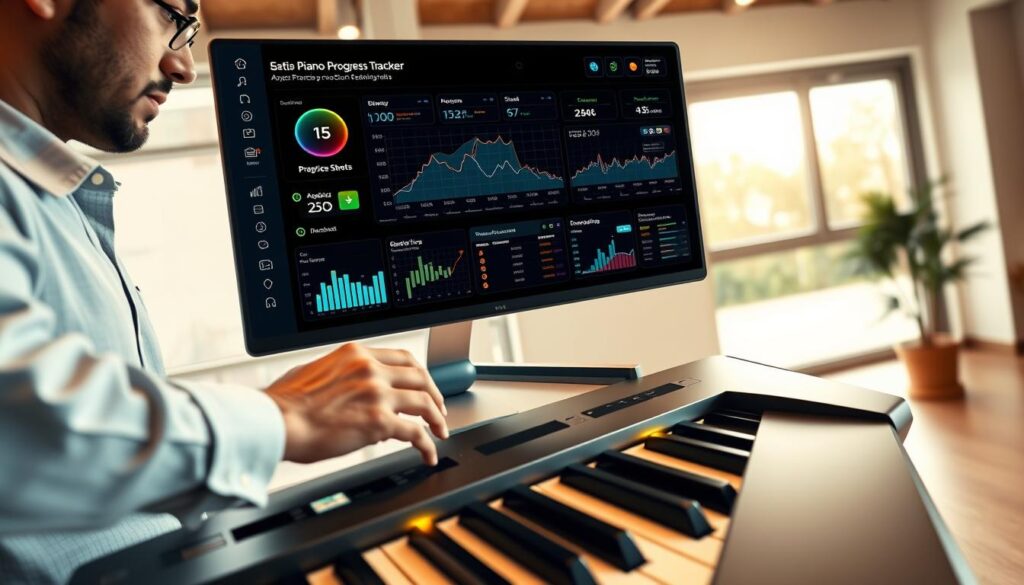
What does your data say? Not all numbers are important. Time practiced isn’t everything if you’re not focused. The real measures are accuracy under pressure and sight-reading speed.
These digital trackers show your progress clearly. You see improvement in scale accuracy and chord transitions. It’s like tracking your musical skills in a stock market, aiming for growth.
Here’s a breakdown of what different analytics platforms focus on, helping you choose your chief data officer:
| Platform | Core Metrics Tracked | Key Insight Provided |
|---|---|---|
| Yousician | Accuracy per phrase, rhythm score, completion streaks | Pinpoints exact musical passages where precision drops, highlighting repetitive weak spots. |
| Modacity | Time distribution per exercise, session frequency, goal hit rate | Reveals if your practice schedule is balanced or skewed, and how consistently you meet micro-goals. |
| Piano Marvel | Graded performance scores, method book progress, sight-reading statistics | Measures your technical proficiency against standardized benchmarks and curriculum. |
This approach eliminates guesswork. You know exactly where to improve, like mastering the right hand at 120 BPM. It’s all about strategy, not hope.
These digital trackers are your best teachers. They celebrate your successes and highlight areas for improvement. You’re practicing smarter, guided by your own progress graph.
Online Communities for Support
Practicing alone can feel isolating. Online communities offer support and feedback. They’re like having a conversation with fellow musicians.
Reddit, with its /r/piano subreddit, is a vast resource. It covers everything from gear advice to technical discussions. Discord servers focus on specific genres or composers, providing in-depth conversations.
These communities solve two big problems. They offer collective wisdom and boost morale. Educators use social media to share successes and milestones, creating a sense of community.
But, there are rules to follow. Ask specific questions to avoid being a “digital drain.” Give constructive feedback, suggesting improvements.
Choosing the right platform is key. Each has its own culture and purpose. Here’s a quick guide:
| Platform | Vibe / Description | Best For | Key Etiquette Tip |
|---|---|---|---|
| Reddit (e.g., /r/piano) | Broad, forum-style. A massive mix of beginners, pros, and enthusiasts. Anarchic but knowledgeable. | Getting quick answers, gear advice, and seeing a wide range of skill levels. Discussions on piano apps and software are common. | Use the search function first. Your question about Hanon exercises has been asked 1,000 times. |
| Discord Servers | Live, chat-based, and often hyper-focused. Like a dedicated clubhouse for a specific genre or composer. | Real-time feedback, finding duet partners, and deep-diving into a niche area (like Baroque ornamentation). | Lurk for a bit to learn the room’s culture before posting your masterpiece. |
| Facebook Groups | Often centered on a teacher, method, or instrument brand. More personal and less anonymous. | Building a consistent community around a shared methodology. Great for adult beginners. | Be supportive. These groups thrive on positive interaction and shared progress videos. |
| Dedicated Forums (Piano World, etc.) | Threaded, archival, and incredibly detailed. The library of Alexandria for piano techs and historians. | Researching piano history, technical repairs, and finding decade-long discussions on specific pieces. | Contribute to old threads if you have new insight. It’s a knowledge base, not just a chat room. |
Find your digital cohort. They understand your passion for piano. This shared obsession fuels your progress.
At times, the best tool is a forum thread from years ago. It solves your problem. By joining these online communities, you gain global knowledge. Your practice room just got smaller, and your resources wider.
Integrating Tech into Routine
Before your piano bench turns into a tech hub, let’s take a step back. I’ve seen it happen. You start with excitement, downloading apps and setting up mics. But by the end of the week, you’re stuck in a cycle of not playing.
This isn’t progress; it’s just a fancy way to procrastinate. Even the best practice tech tools won’t help if they distract you from playing.
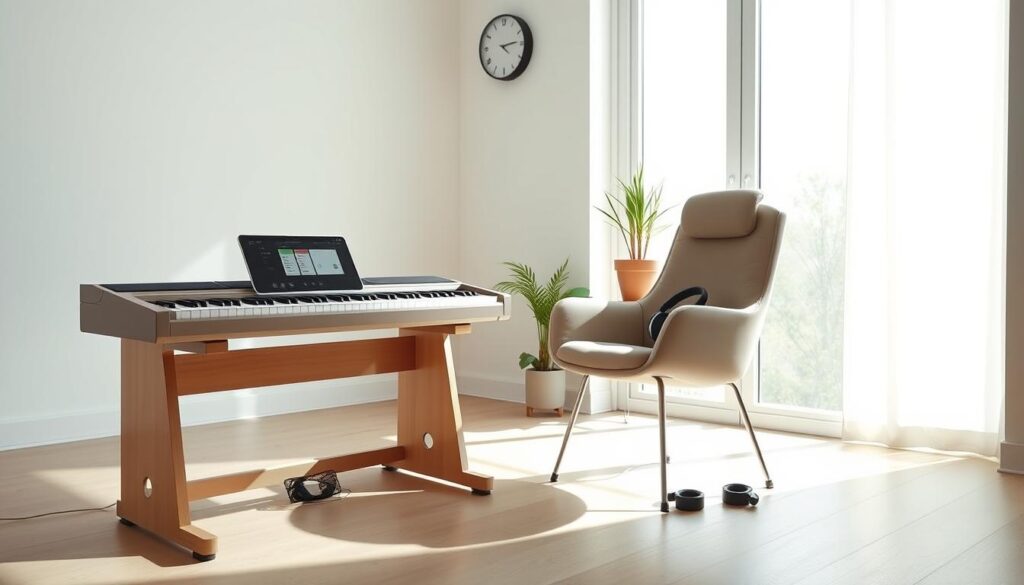
The solution is Minimal Viable Tech. It’s about taking small steps in your digital life. Focus on one thing at a time. Choose one tool that fits best.
Here’s how to integrate tech into your routine:
- One App to Rule Them All: Pick one app for sheet music, metronome, or lessons. Use it for a month. Master it. Your brain and practice time will thank you.
- The Weekly Recording Ritual: This is key for recording progress. Every Sunday, play one piece or scale. Record it on your phone. Don’t edit. Just save it. This shows growth over time.
- A Single Digital Reminder: Not five alerts. One. Set it for your practice time. Its job is to remind you, not bother you.
The goal is to have tech that supports you without being in the way. It should be like a silent partner. One pianist found that consistent progress comes from method books, not extra tech.
Then, there’s the Tech Sabbath. Make sure to have at least one practice session a week without devices. This helps you focus on playing without distractions.
True recording progress is about clarity, not data. Your routine should be simple. Tech should help you, not control you. That’s when your practice truly transforms.
Advanced Tech Tools for Progress
Think of your keyboard as a data-rich diagnostic machine. Advanced practice tech tools change how we learn. We move from simple feedback to detailed analysis. This is for pianists who want to understand their technique deeply.
MIDI data is like a digital detective. Every note you play is recorded with precision. Software can show you your dynamics, helping you see where you need to improve.
AI in apps gets even smarter. It doesn’t just flag wrong notes. It tells you why they’re wrong. It suggests how to fix them, making your practice more effective.
Good hardware is key too. You need a weighted keyboard and high-quality headphones. An overhead camera helps you check your posture and hand position.
With these tools, technology becomes a partner in your practice. It helps you improve your playing by understanding your biomechanics. You’re not just playing; you’re refining your performance.
Resources and Reviews
So you’ve got your digital tools ready. Now, let’s review what really works. Think of this as your mission debrief.
Piano apps like Piano Marvel and Simply Piano are your guides. They give feedback and show you the way. For theory, MusicTheory.net is always there for you.
Need to track your progress? Digital trackers are your answer. They turn random notes into a map of your growth. They won’t play the scales for you, but they’ll show you where you went wrong last Tuesday.
Practice shouldn’t be solo. Online communities, like Reddit’s /r/piano, are your support. They’re where you share wins, solve puzzles, and know you’re not alone.
The goal is to enhance your playing, not replace it. The best apps and trackers are tools to help you. They light the way, but you must walk it yourself.
Your digital practice room is ready. The sheet music is set. Now, it’s time to play.